WordPress is live
WordPress website
Just finishing publishing the WordPress edition of the Zeros Ones website.
I’ll be doing some tweeking over time.




Call 630-834-9093
Just finishing publishing the WordPress edition of the Zeros Ones website.
I’ll be doing some tweeking over time.
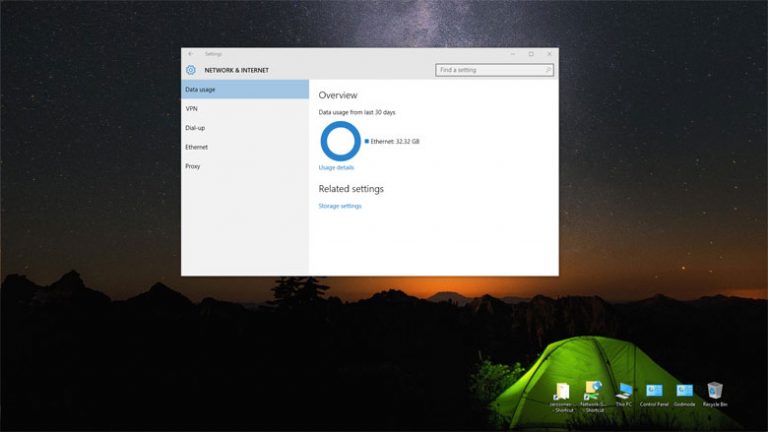
Windows 10 data usage application With data caps becoming more and more common even on home internet access service knowing how much data you are using is becoming more important. That’s where the Windows 10 data usage application comes in. Windows 10 includes a very basic data used application. This app shows how much data…
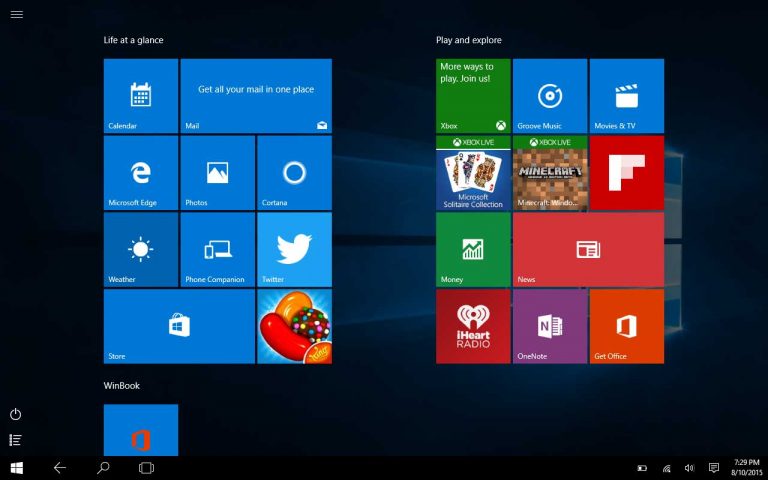
Winbook TW801 Windows 10 clean install fail I have decided to do a Winbook TW801 Windows 10 clean install fail. I had upgraded to Windows 10 using the option to save all files and settings to check out Microsoft’s new operating system Windows 10. I have been using Windows 10 on my Winbook TW801 tablet…
Windows 10 VPN Server Client PPTP Setup Covered in this Windows 10 VPN server client PPTP setup article and video. Router port forwarding of TCP and UDP protocol port 1723. Windows 10 VPN server configuration. Setting up the Windows 10 VPN client. Setting for windows 10 firewall inbound rules. Access shared folders and resources such…
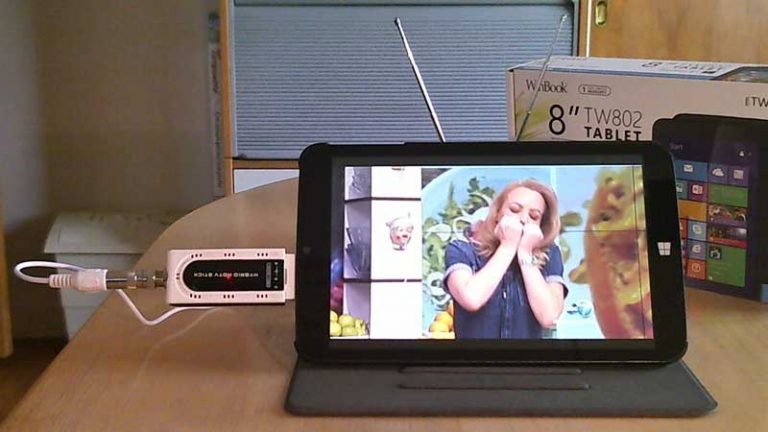
WinBook TW802 USB HDTV Tuner Watch OTA TV Winbook TW802 Windows 10 Mygica U6012A USB HDTV Tuner are a nice added function to an already handy little package. In this article and video we show that this software combination does work and how to do it. The video below shows a WinBook TW 802 that…
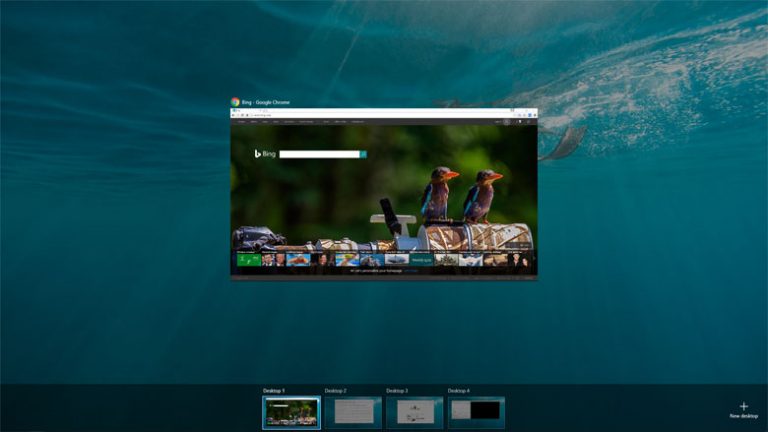
Windows 10 Virtual Desktops Task View feature Windows 10 has a feature called Windows 10 Virtual Desktops Task View that gives you the ability to create virtual desktops. What are virtual desktops you ask? Virtual desktops are desktops that you can propagate with different applications or windows. This is especially helpful if you open a…
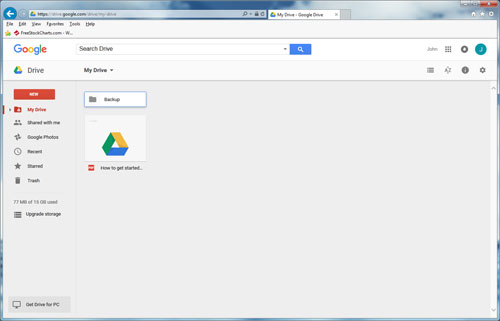
Change Google Drive folder default location By default when you install the Google Drive cloud storage application the folder that holds all the local files that you want to sync with Googles cloud storage is installed on the C: drive of the computer. There are many reasons to not want to stored these files on…